

LightOfHeaven
Member
- Joined
- Sep 18, 2025
- Messages
- 48
- Reaction score
- 10
So I got a call from this barbershop, and they've been struggling to rank. When I audited their GMB & site, everything looked phenomenal. They had great on seo and even better off page with amazing backlinks, citations, 250+ reviews, and over 200 photos. They posted daily and even hosted events.
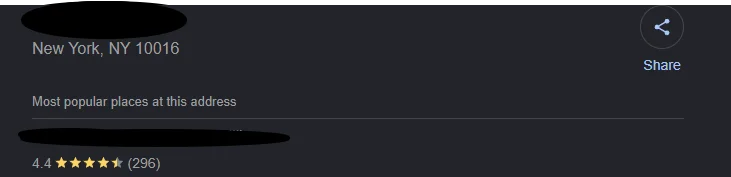
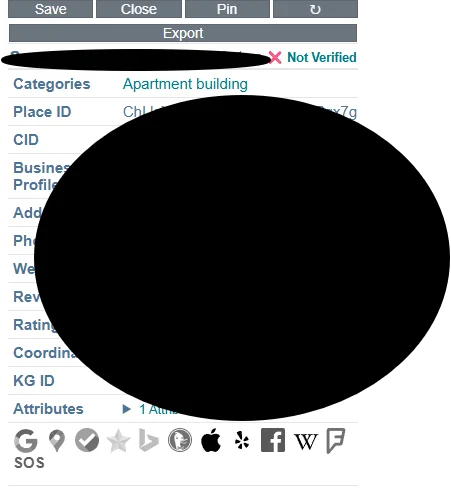
Their business was "Located In" a building whose GMB was marked as permanently closed. The building is 1) not closed, 2) not verified either, and 3) the barbershop is a storefront, so it's technically not located "in the building."
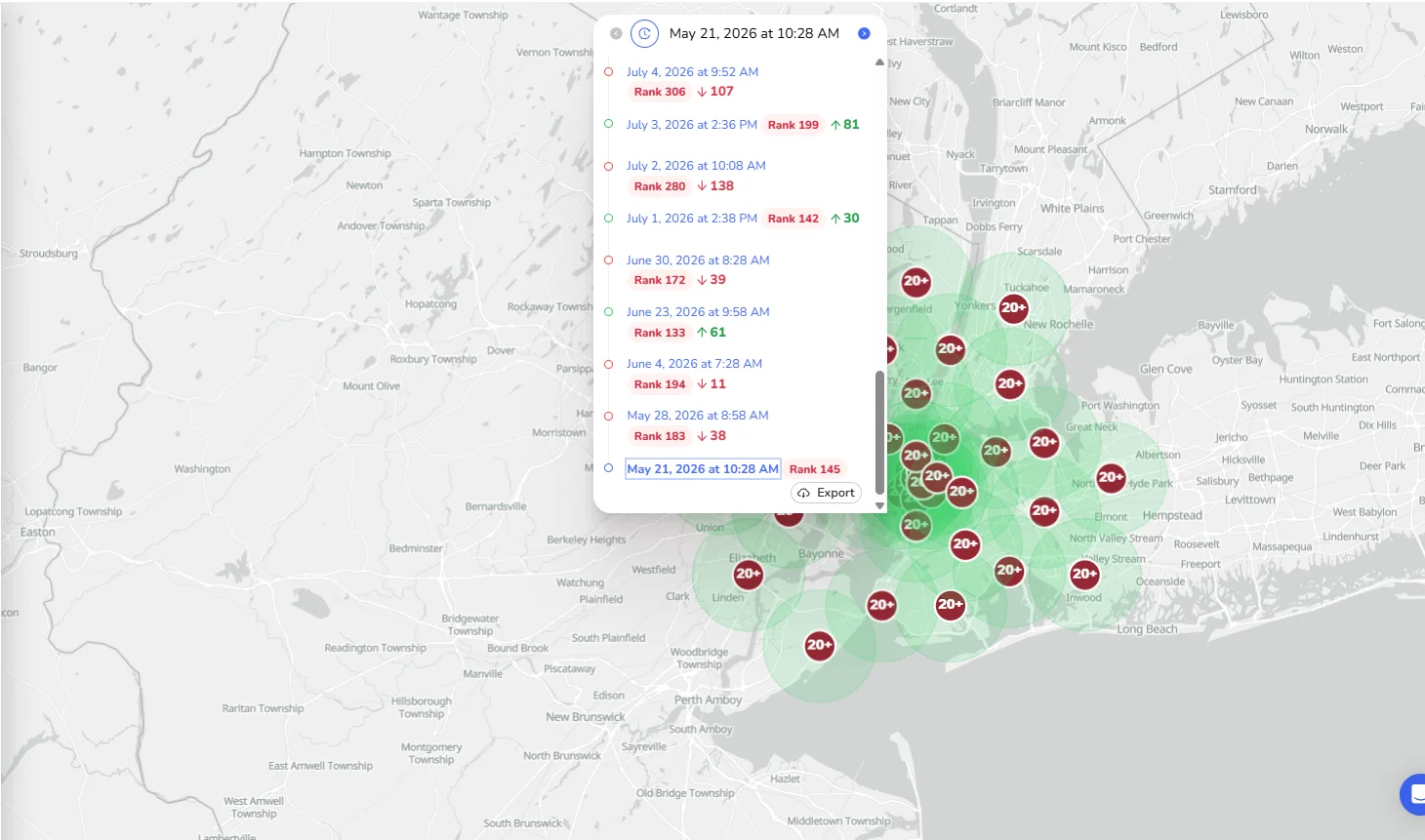
Before :
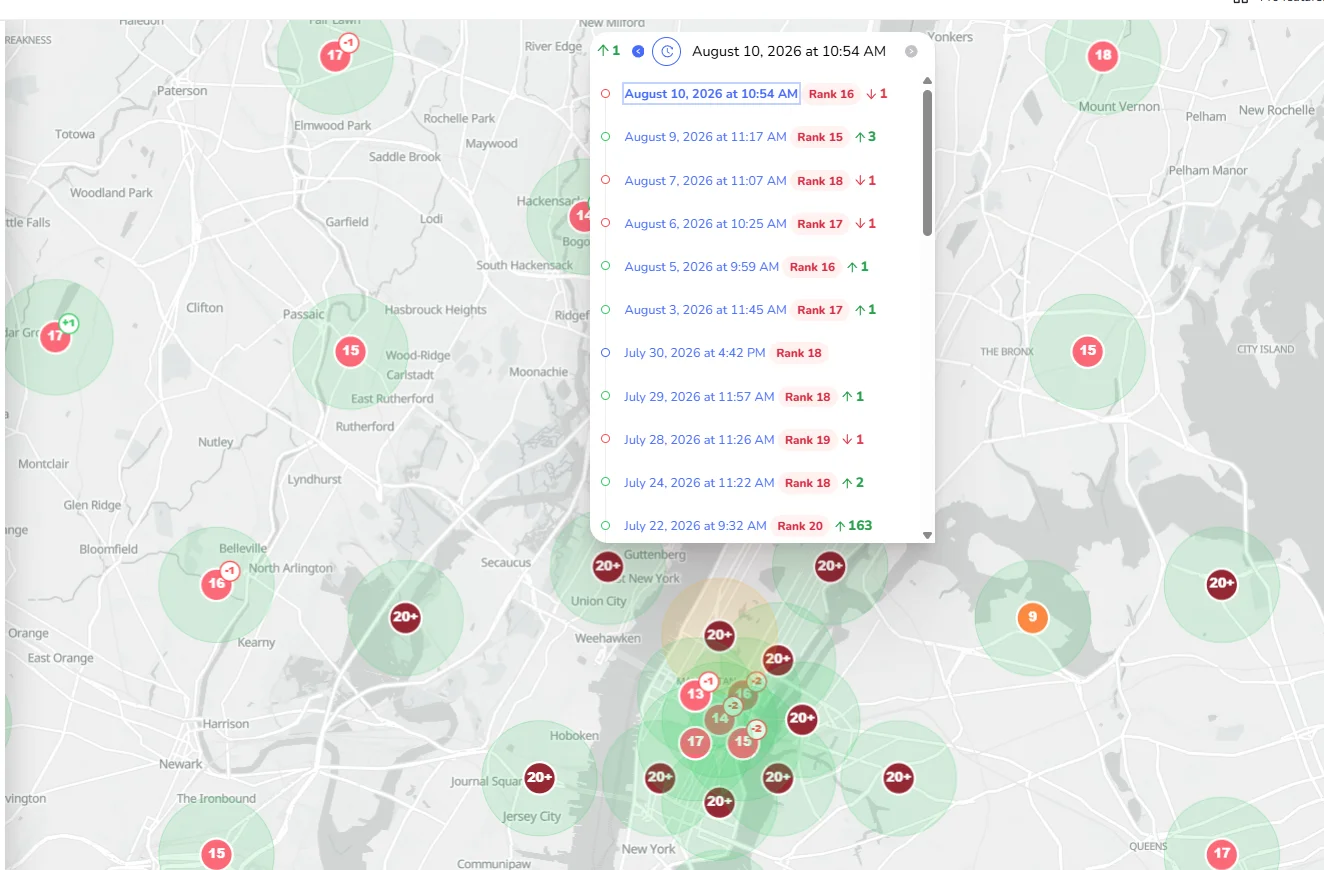
After : It took me months and multiple requests to have it remove from their GMB, their rankings are now coming back alive and maintaining.
just a reminder to keep thinking outside the box.
Having the "located in" feature is not a bad thing at all especially if it's under a well maintained GMB.
Their business was "Located In" a building whose GMB was marked as permanently closed. The building is 1) not closed, 2) not verified either, and 3) the barbershop is a storefront, so it's technically not located "in the building."
Before :
After : It took me months and multiple requests to have it remove from their GMB, their rankings are now coming back alive and maintaining.
just a reminder to keep thinking outside the box.
Having the "located in" feature is not a bad thing at all especially if it's under a well maintained GMB.
Last edited: